
IPTV for Smart TV: Complete Guide for 2026
⚡ UNLOCK YOUR IPTV STREAMING EXPERIENCE->
Introduction
Watching television has changed dramatically. Instead of depending only on traditional cable or satellite services, many people now use internet-based television on devices they already own. This is where IPTV for Smart TV becomes useful.
IPTV, or Internet Protocol Television, delivers television content through an internet connection rather than traditional broadcast or satellite delivery. On a compatible Smart TV, an IPTV player can organize live channels, video-on-demand content, electronic program guides (EPG), playlists, and other streaming sources.
For learners, freelancers, startups, and small-business owners, Smart TV IPTV can provide a convenient way to access internet-based entertainment without necessarily adding another streaming box. However, the experience depends on your TV operating system, internet connection, compatible app, and the IPTV service or content source you use.
Important: An IPTV player and an IPTV service are not always the same thing. Many players do not provide channels themselves. You should verify that your content provider has the necessary rights to distribute the content in your location.
What Is IPTV for Smart TV?
IPTV for Smart TV means using an IPTV-compatible application or built-in functionality on a Smart TV to stream television or other video content through the internet.
👉 GET STARTED WITH YOUR IPTV PLAN->
The basic setup usually has three parts:
Smart TV – Displays and runs compatible applications.
IPTV player – Organizes and plays your playlist or streaming source.
IPTV service/content source – Supplies the actual channels, movies, series, or other content.
Some Smart TV apps support formats such as M3U/M3U8 playlists, EPG data, or Xtream-style credentials. Samsung's current app marketplace, for example, lists IPTV players that support M3U/M3U8 playlists and EPG functionality.
Compatibility is important. Samsung states that available apps and features can vary according to TV model, software version, and region.
Why IPTV for Smart TV Matters in 2026
Smart TVs are becoming increasingly app-focused. Modern television platforms allow users to install, manage, update, and organize applications directly from the TV.
Samsung's 2026 Smart TV software, for example, uses One UI Tizen and provides an app-management system for installing and updating applications.
This makes IPTV attractive to users who want a simple big-screen streaming setup.
Instead of connecting a separate device, a compatible Smart TV may allow you to install an IPTV player directly and use the television's remote control.
However, convenience should not replace verification. Before paying for an IPTV subscription, check:
Whether the app works on your TV model
Whether the provider supports your country
Supported playlist or login formats
Streaming quality
Simultaneous connections
Refund and renewal terms
Content licensing information
Customer support availability
Key Benefits of IPTV for Smart TV
1. Big-Screen Viewing
Smart TVs provide a larger viewing experience than smartphones, tablets, or computers. IPTV content can therefore be more comfortable for movies, television programs, sports, and other video content.
2. No Extra Streaming Box
If your TV already supports the required IPTV application, you may not need an additional streaming device.
3. Flexible Content Organization
Compatible IPTV players can provide features such as favorites, categories, playlists, EPG, subtitles, and recently watched content.
4. Internet-Based Access
IPTV uses your internet connection, giving you an alternative to traditional television delivery methods.
5. Multiple Content Formats
Depending on the player and provider, you may encounter live TV, VOD, series, subtitles, multiple audio tracks, and EPG information.
6. Easy App Management
Smart TV platforms generally allow users to install, update, remove, and manage applications directly from the television. Samsung's 2026 support documentation confirms these app-management capabilities.
Top IPTV Providers, Tools & Services
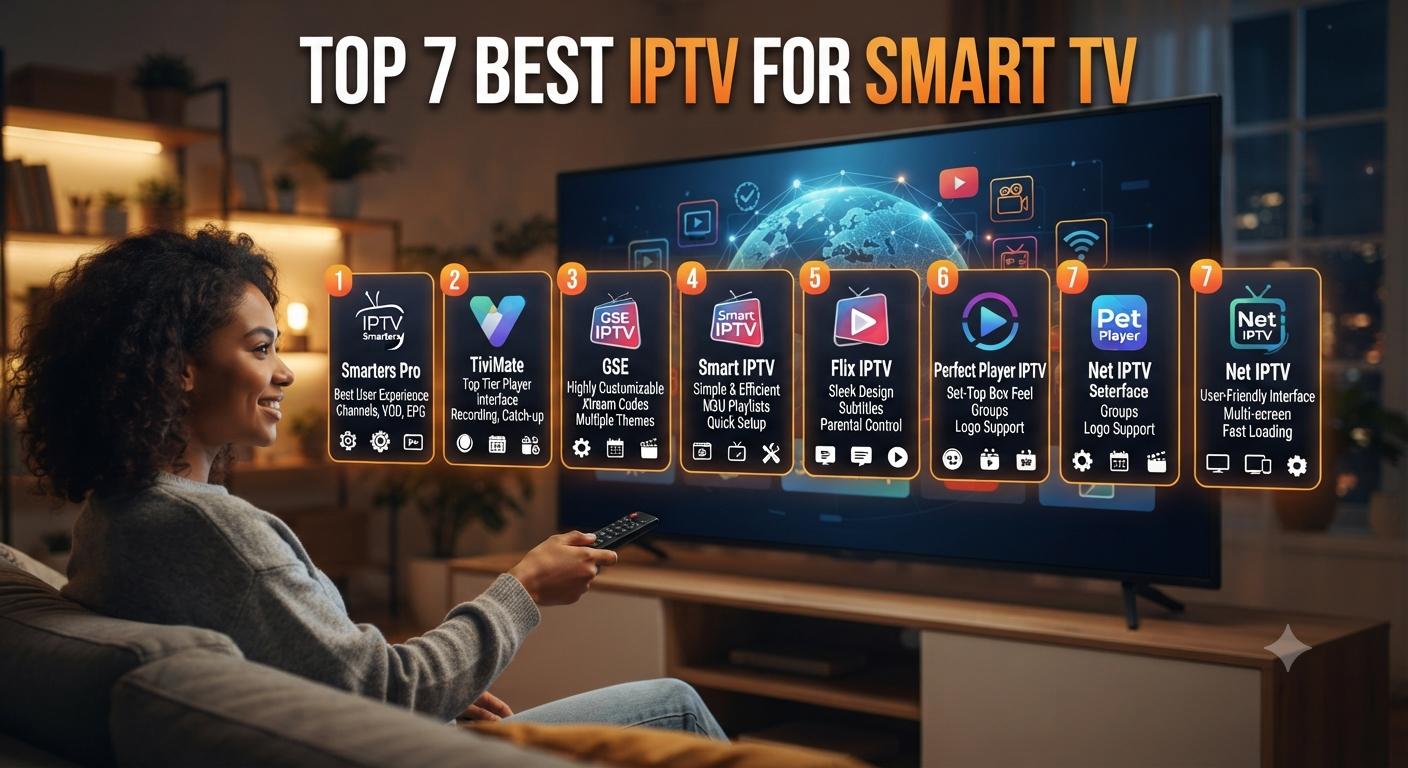
There is no single IPTV application that is best for every Smart TV. The right option depends on your television operating system, region, playlist format, and desired features.
IPTV Player Apps
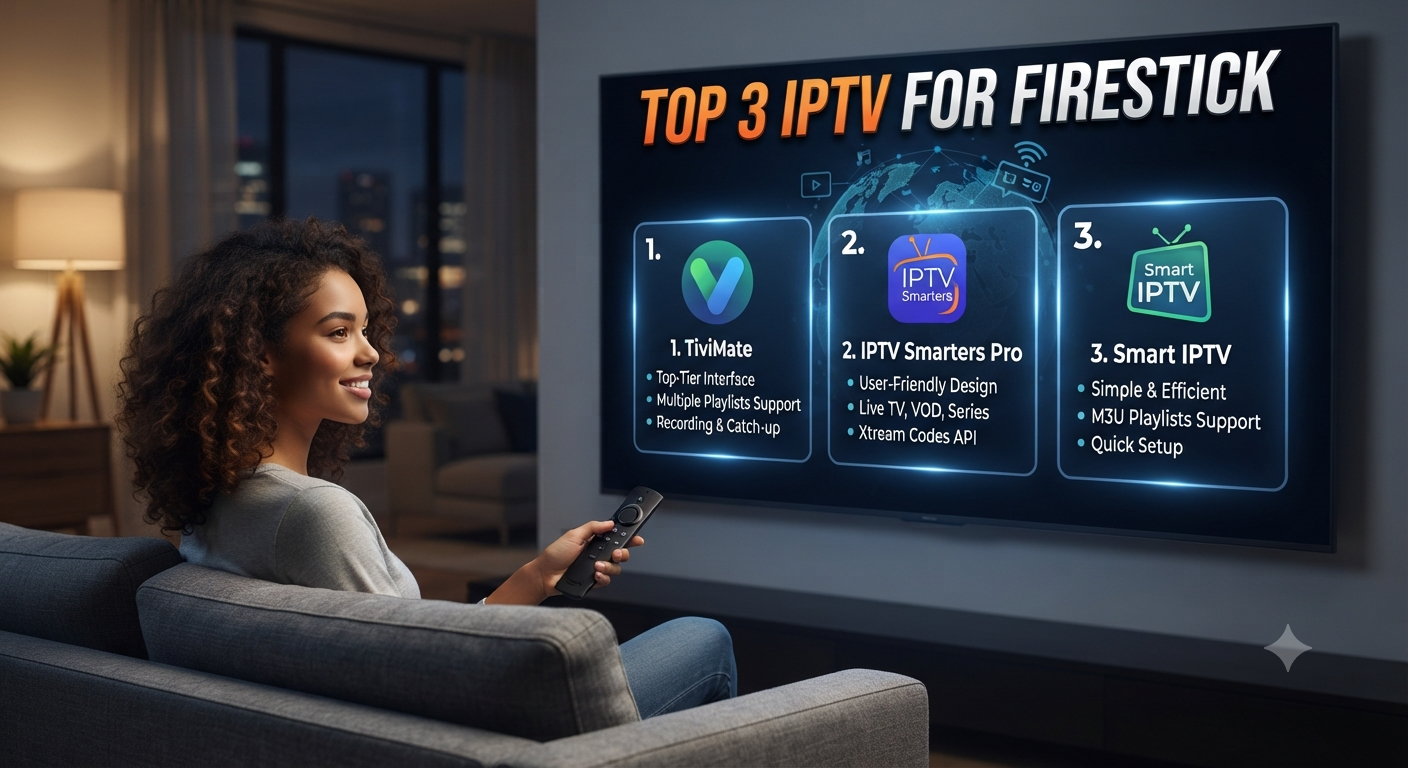
Current Smart TV app stores include several IPTV player applications. Some support M3U/M3U8 playlists, while others support EPG, Xtream-style credentials, subtitles, favorites, or multiple playlists.
Smart TV App Store
Your TV's official app store should be the first place to check compatibility. Samsung recommends searching its Apps section and installing compatible applications directly from the TV.
IPTV Content Providers
A player alone may not include television channels. Some applications explicitly state that users must provide their own credentials or playlists.
When evaluating an IPTV provider, verify its licensing, available content, pricing, renewal conditions, device limits, and refund policy before purchasing.
Features to Look For
EPG
An Electronic Program Guide helps organize scheduled programming and can make live TV navigation easier.
M3U and M3U8 Support
M3U/M3U8 playlists are commonly used to organize streaming sources. Make sure your player supports the format provided by your service.
VOD
Video-on-demand allows users to access movies, series, or other content when supported by the service.
Favorites
Favorites can reduce the time needed to find frequently watched channels.
Subtitles and Audio
Some modern IPTV players support subtitles and multiple audio tracks. Availability depends on the player and content source.
Remote-Friendly Interface
A good Smart TV IPTV application should be easy to navigate using the television remote.
IPTV for Smart TV Pricing
IPTV costs can vary significantly because the total cost may involve two separate products: the IPTV player and the content service.
Some players are free, while others may charge a one-time activation fee, subscription fee, or offer a trial. Current Samsung app listings demonstrate that pricing and trial structures differ between applications.
The content provider may charge separately for access to live television, VOD, or other content.
Before purchasing, check:
Monthly or yearly price
Trial period
Activation fee
Automatic renewal
Refund policy
Number of supported devices
Simultaneous streams
Taxes or regional charges
Pricing changes frequently, so verify before publishing or purchasing.
IPTV for Smart TV Use Cases
Home Entertainment
Families can use compatible IPTV applications for big-screen internet television and on-demand content.
Learners
Students and learners can use legitimate streaming sources for educational programming, documentaries, news, and other relevant content.
Freelancers
Freelancers may prefer a Smart TV setup because it keeps entertainment separate from their main computer workspace.
Startups and Small Businesses
Businesses may use Smart TVs for waiting areas, internal information displays, presentations, or legitimate streaming content, subject to the appropriate commercial rights.
IPTV for Smart TV: Best For
Best for users who:
Already own a compatible Smart TV
Have a stable internet connection
Prefer remote-controlled big-screen viewing
Want to organize IPTV playlists
Want fewer external streaming devices
Understand the difference between an IPTV player and a content provider
Less suitable for users who:
Have an incompatible television
Have unreliable internet
Need content unavailable through their chosen service
Expect every IPTV app to include channels automatically
Pros and Cons
Pros
Convenient big-screen viewing
Can work without an external streaming box
IPTV apps can offer useful organization features
Supports different playlist and streaming formats
Easy remote-control navigation
Potential access to live TV and VOD through compatible services
Cons
App availability varies by TV model and region
Internet quality affects streaming
Some players do not provide content
Provider quality can vary
Licensing must be checked
Prices and device limits differ between services
Best Alternatives
If your Smart TV does not support the IPTV application you want, consider an external streaming device such as a compatible Android TV/Google TV device, Fire TV device, or Apple TV.
Another option is using official streaming applications directly through the Smart TV's app store. This can be simpler when you only need a few specific services.
For users experiencing frequent buffering, switching from Wi-Fi to Ethernet may also be worth considering if the TV supports a wired connection.
Future Trends in IPTV for Smart TV
The Smart TV IPTV experience is likely to continue moving toward better app interfaces, improved playlist management, smarter search, personalized recommendations, subtitles, multiple audio options, and improved high-resolution playback.
Another important trend is greater emphasis on app compatibility and platform-specific optimization. As Smart TV operating systems continue to evolve, IPTV applications will need to keep pace with software updates and changing platform requirements.
Consumers should also expect greater attention to privacy, content rights, account security, and transparent subscription terms.
FAQs
Is IPTV available on Smart TVs?
Yes, IPTV applications are available for some Smart TV platforms. Availability depends on the TV operating system, model, software version, and region.
Can I use IPTV without a separate box?
Yes, if your Smart TV supports a compatible IPTV player. You should check your TV's official app store first.
Does an IPTV app provide channels?
Not necessarily. Many IPTV players are only media players and require you to provide a playlist, URL, or account from a separate content provider.
Does IPTV support 4K?
Some IPTV players and services can support 4K, but 4K availability depends on the TV, application, internet connection, source, and content provider. Do not assume every IPTV subscription includes 4K.
What internet speed is needed for IPTV?
There is no universal speed requirement because video bitrate, resolution, network congestion, Wi-Fi quality, and provider infrastructure all matter. As a practical planning range, HD streaming may need around 10 Mbps or more, while 4K can require substantially more. These are planning figures, not guarantees.
Is IPTV legal?
IPTV is a technology for delivering video over IP networks. The legal status of a particular service depends on the content rights, licensing, and laws applicable to your location. Always verify that the provider has the appropriate rights to distribute its content.
How do I choose an IPTV service for Smart TV?
Check Smart TV compatibility, content rights, supported formats, streaming quality, device limits, customer support, pricing, renewal terms, refund conditions, and privacy policies before subscribing.
Conclusion
IPTV for Smart TV can be a convenient way to access internet-based television directly on a compatible television. The biggest advantages are big-screen viewing, flexible content organization, remote-friendly controls, and the possibility of avoiding an additional streaming device.
However, choosing an IPTV setup should involve more than looking at channel lists or low prices. Check your Smart TV compatibility first, understand whether an app is a player or a content provider, evaluate the service's terms, and verify content licensing before subscribing.
For the best experience in 2026, focus on compatibility, reliable internet, useful IPTV features, transparent pricing, and legitimate content access rather than unsupported promises about channels, quality, or uptime.




Write a comment ...